
Download free for both Android and iOS. Enjoy the best mobile gaming experience in Bangladesh with faster loading, smart notifications, and secure login.
Virus-free, completely safe · Free · No hidden charges
Why Play on the App Instead of a Browser – Here's What Makes the Difference
3x faster than a browser. No lag in live games, smooth streaming throughout.
Get instant alerts for bonus offers, match kick-offs, and jackpot wins.
No more typing your password every time — just touch to log in.
The app stays functional even on a weak connection. Game history can be viewed offline.
End-to-end encryption in the app. Saved payment details stay protected.
Switch to dark theme in one tap for a more comfortable viewing experience at night.
Fully Bangla interface — easy to navigate for new users.
When new games or features are available, the app will prompt you to update automatically.
Install the BDD777 App in Just 4 Easy Steps
Tap the download button on this page and the BDD777.apk file will download to your phone. Wait for the download to complete before proceeding.
Go to Settings → Security → find "Install Unknown Apps" or "Unknown Sources" and enable it. This is a temporary step; you can turn it off again afterwards.
Go to your Downloads folder and tap the BDD777.apk file. Tap "Install" to confirm the installation.
Once installation is complete, you'll see the BDD777 icon on your home screen. Open it, log in, and start playing right away.
The APK file is completely safe and virus-free. Make sure your device has at least 100MB of free space before installing. Compatible with Android 6.0 and above.
Two Ways to Get BDD777 on iPhone and iPad
Open bdd777.world in Safari on your iPhone. The "Add to Home Screen" option is not available in Chrome or Firefox, so make sure you use Safari.
Tap the share icon (arrow pointing out of a box) at the bottom center of your screen.
Scroll down to find "Add to Home Screen" and tap it. Rename it if you like, or just tap "Add" to continue.
The BDD777 icon will now appear on your home screen. It works just like the app — full screen, fast loading.
Works best on iOS 14 and above. Built with PWA (Progressive Web App) technology, so no App Store download is needed. All features are fully supported.

BDD777 Is Fully Optimized for Both Android and iOS
Supports Android 6.0 and above. Compatible with all major brands including Samsung, Xiaomi, Realme, Oppo, and Vivo.
IOS 14+ supported. Runs smoothly on all devices from iPhone 8 through the latest models.
Why the App Beats the Browser
| Features | BDD777 App | Mobile Browser |
|---|---|---|
| Loading Speed | ✓ Fastest | – Moderate |
| Push Notifications | ✓ Available | – Not Available |
| Fingerprint Login | ✓ Available | – Not Available |
| Performance on Weak Networks | ✓ Good | – Issues Occur |
| Auto Session Save | ✓ Available | – Occasionally |
| Dark Mode | ✓ Available | – Not Available |
| Data Usage | ✓ Lower | – Higher |
| Display Mode | ✓ Full Screen | – Address bar visible |
In Bangladesh, most people now access the internet from their phones. Desktops and laptops have largely taken a back seat. BDD777 built its mobile app with that reality in mind — not just to display the site on a smaller screen, but to deliver a true app-quality experience.
Downloading the BDD777 app gives you an optimized gaming environment where Live Casino video streams are crisp and clear, slot animations run smoothly, and Sports Betting odds update in real time without any lag. Browsers often run into cache issues or page refresh problems — none of that applies to the app.
Push notifications are genuinely useful. Say you're waiting for a big cricket match — keep notifications on and you'll get an alert before it kicks off. You'll also catch special bonus offers and flash promotions the moment they go live. A lot of users say the app gives them more opportunities simply because they never miss an update.
Security is another area where the app stands out. You can log in with fingerprint or face unlock — no need to remember a password, and no one can easily access your account even if they get hold of your phone. End-to-end encryption keeps your payment details safe every time you transact.
For users in rural or suburban areas where internet speeds can be slower, the app's low data usage is a real advantage. Once it loads, it runs on significantly less data — which helps keep your mobile internet costs down.
One thing worth knowing — the BDD777 app is completely free, with no in-app purchases to worry about. You simply use your gaming account balance; there's no separate subscription or fee for the app itself.

Real feedback from players across different districts of Bangladesh
"Since I downloaded the app I haven't gone back to the browser. Live betting during cricket matches is so much easier — no page reloads, the odds update on their own. bKash payments are done in two taps now."
"Fingerprint login is my favorite feature. I used to forget my password all the time — that's not a problem anymore. And with notifications on, I never miss a bonus offer."
"I'm based in Barishal where the internet can be a bit slow. Live Casino barely worked on the browser, but the app runs perfectly. Installation was smooth too — the support team walked me through it."
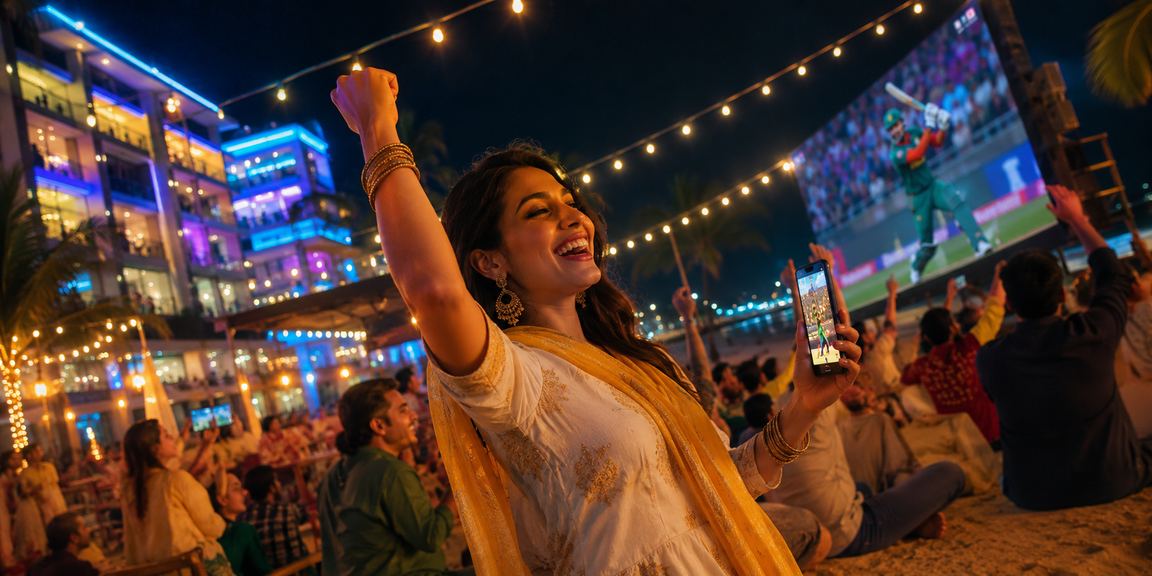
The most common issue when installing the BDD777 app is not enabling "Unknown Sources." On Android, you must turn on this setting before installing apps from outside the Play Store. The location of this option varies by brand — on Samsung it's usually under Settings → Biometrics and Security, and on Xiaomi it's under Settings → Additional Settings.
If the app won't open after installation or keeps crashing, start by restarting your phone — that fixes most cases. If the problem persists, uninstall the app and download it again, as the previous file may not have downloaded completely.
If video freezes during a live game, try switching from WiFi to mobile data or vice versa. This is often caused by network congestion. You can also go to the video quality settings inside the app and select "Medium" or "Low" for better performance on a weak connection.
For any technical issues, reach out to BDD777 via live chat. The chat option is right inside the app — just tap the support icon at the bottom. Our technical team is always on hand to walk you through solutions step by step in Bangla.
App & Payment FAQs